
Reports from your Tally data
Drill down. See the entries behind the amount.
A total is only the start. Click to open more details. Check the records that make up the amount.
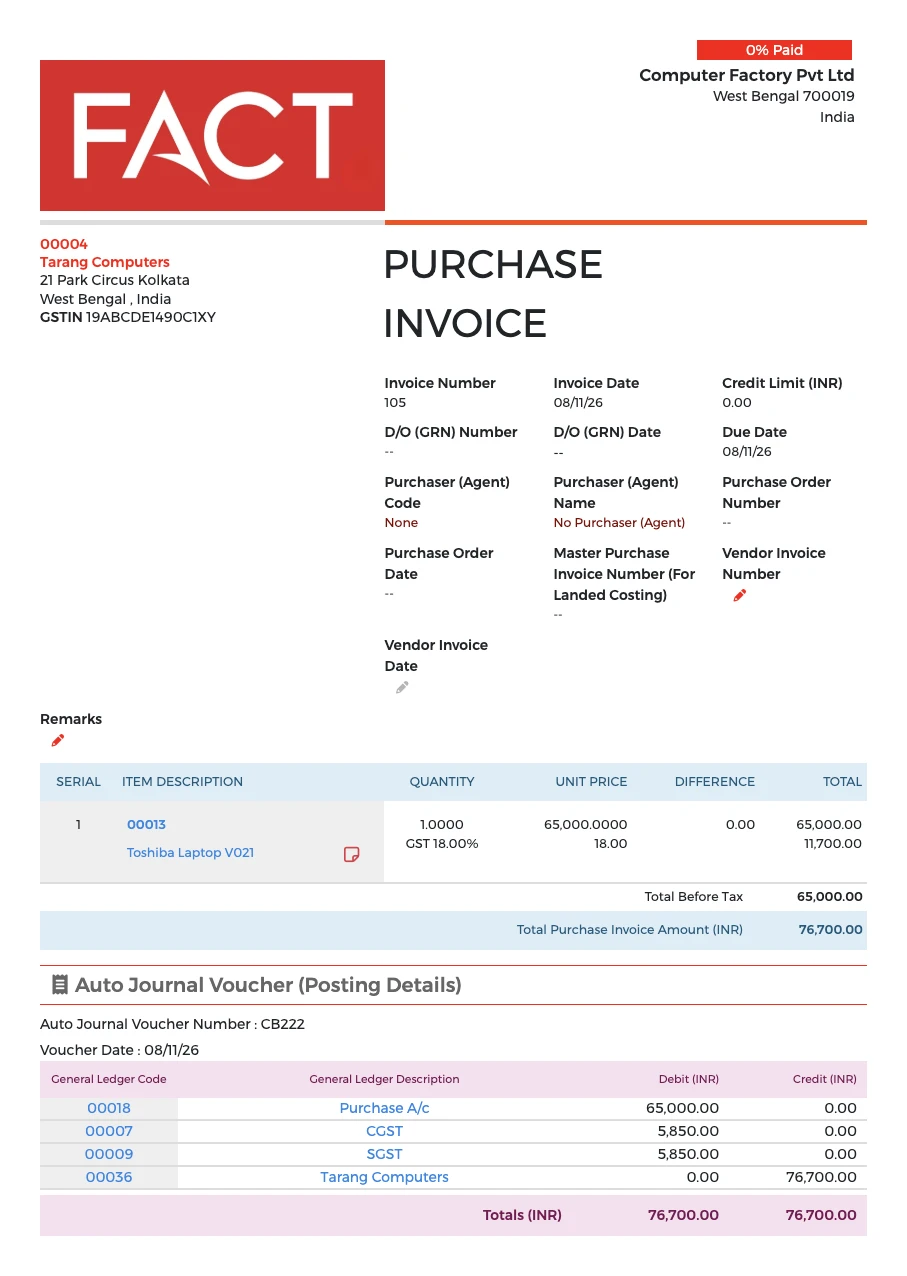
What you can check
- The details behind any amount, with a click
- The records that make up a total
- The entries that need your attention
Accountants can find the details when someone has a question. Chartered Accountants can open the details behind an amount during an audit. Some features shown may not be part of the Tally plan.
Questions it answers
- What is behind this amount?
- Click the amount to open more details and check the records that make it up.
- Do I have to ask for a separate report?
- No. You can open the details yourself.
Go live in minutes
- Create your accountSign up and add your credit card.
- Find your TallyTell us the Fixed IP where Tally is installed.
- Choose your companySelect your company from the list. The system loads your data automatically.
No customisation. No setup. No IT Specialist needed. You keep using Tally for your accounts. ₹5,000 per month for one company and up to 50 users.