
Reports from your Tally data
Magic Box. Create your own reports in a minute.
Magic Box allows you to create your own reports. Compare GL Codes, Sales, Purchases, Sale Orders & Purchase Orders. Select a period and filter the details.
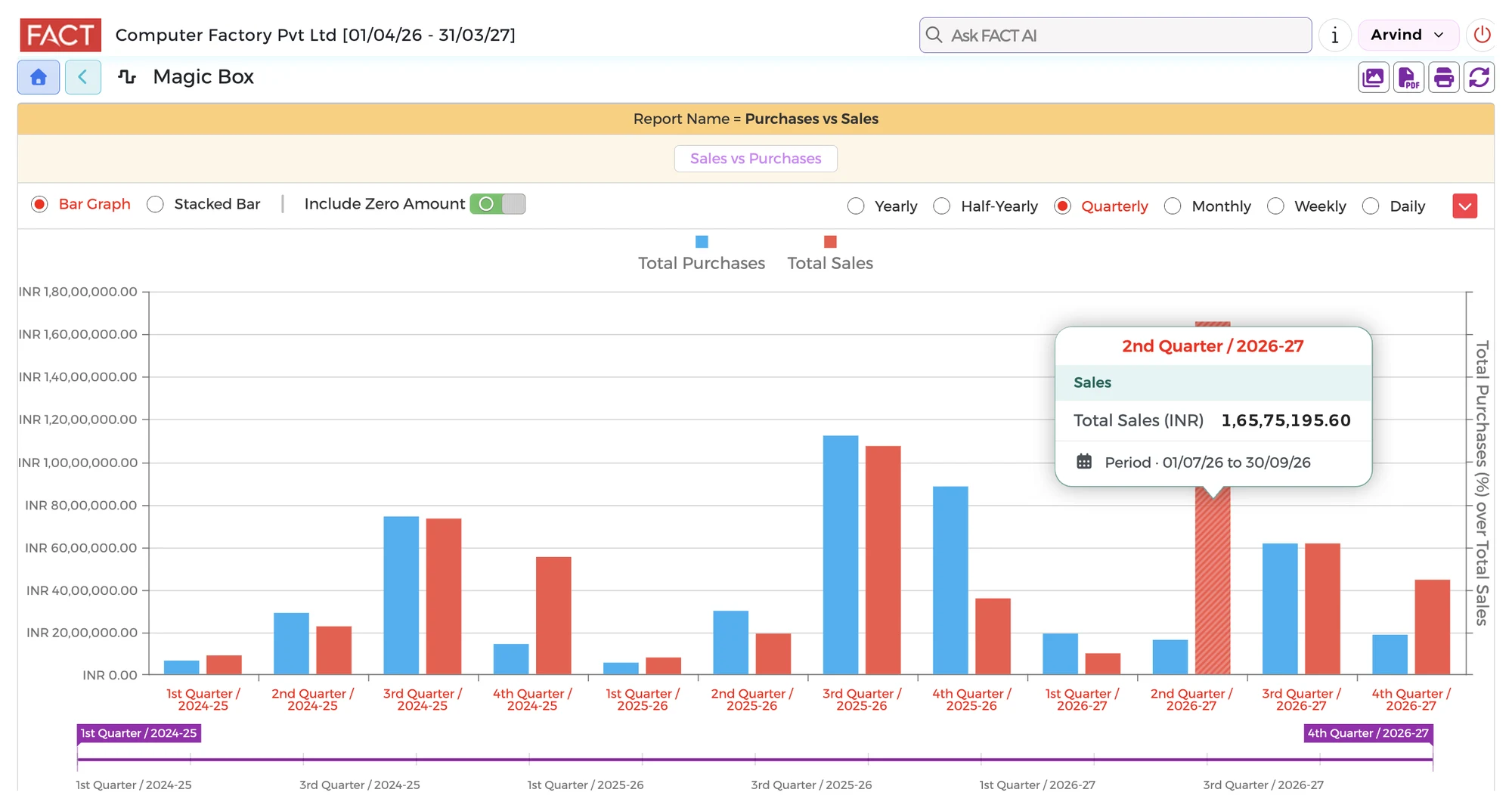
What you can check
- The data you want in your report
- The period you want to look at
- Filters for the details you need
- A comparison of the amounts
Questions it answers
- Can I choose what goes into a report?
- Yes. Magic Box lets you choose the data for your report, select a period and filter the details.
- Can I compare amounts?
- Yes. Select the data and the period, then compare the amounts.
Go live in minutes
- Create your accountSign up and add your credit card.
- Find your TallyTell us the Fixed IP where Tally is installed.
- Choose your companySelect your company from the list. The system loads your data automatically.
No customisation. No setup. No IT Specialist needed. You keep using Tally for your accounts. ₹5,000 per month for one company and up to 50 users.