
Home › Reports › Sales & Payments
Reports from your Tally data
Sales and payment reports. Who buys the most? Who has to pay you?
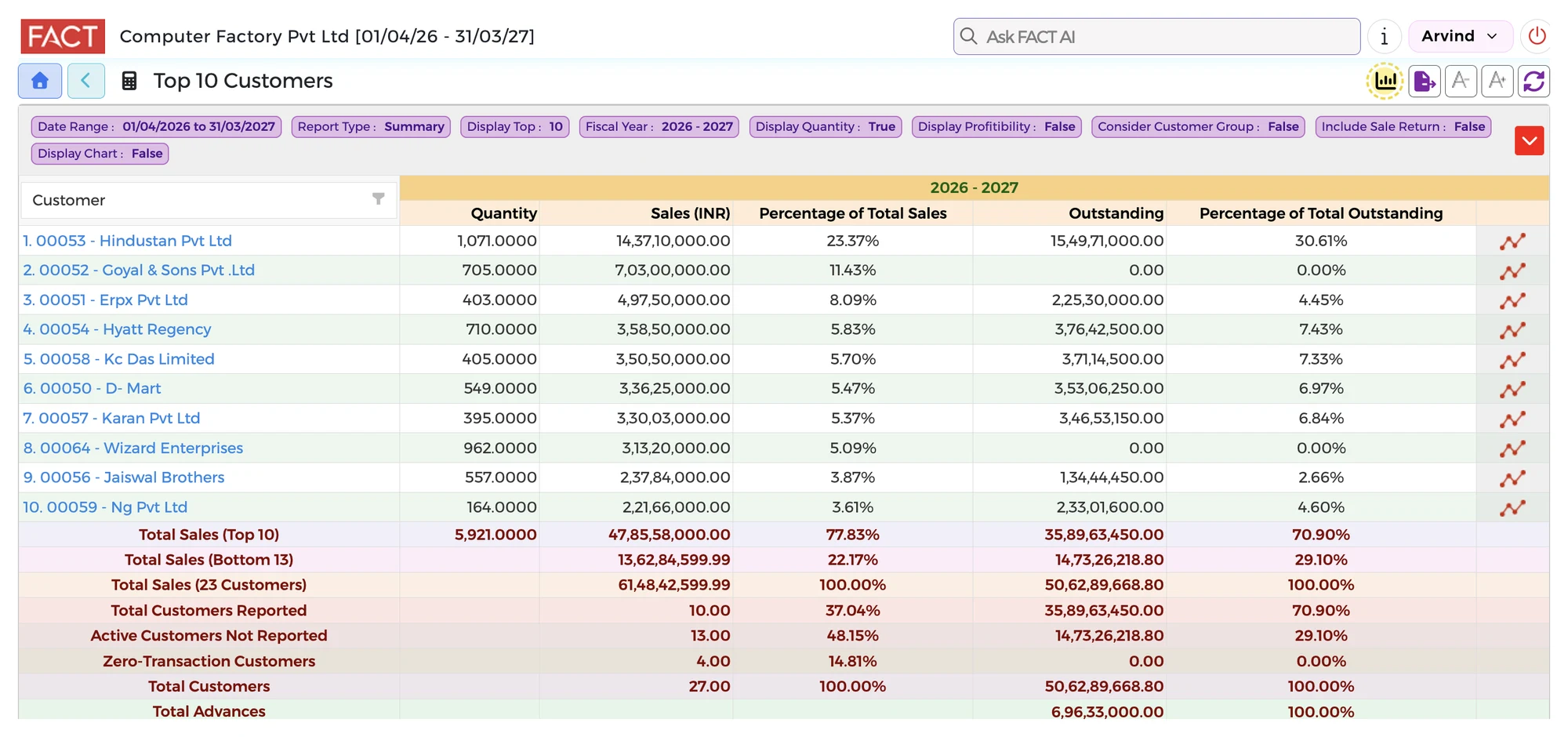
Check sales by customer and product. See your top customers. Check the amounts still to be collected and the payments you have to make.
What you can check
- Sales by customer and by product
- Your top customers
- The amounts still to be collected from customers
- The payments you have to make
On the Control Tower example screen, the Sales / Accounts Receivable card shows sale invoices, the amount receivable from customers, sale orders and sale orders outstanding. Some features shown may not be part of the Tally plan.
Questions it answers
- Which customers have to pay us?
- Check the amounts still to be collected, and open the details to see who owes what.
- Who buys the most?
- See your sales by customer and your top customers.
- What do we have to pay?
- Check the payments you have to make.
Go live in minutes
- Create your accountSign up and add your credit card.
- Find your TallyTell us the Fixed IP where Tally is installed.
- Choose your companySelect your company from the list. The system loads your data automatically.
No customisation. No setup. No IT Specialist needed. You keep using Tally for your accounts. ₹5,000 per month for one company and up to 50 users.